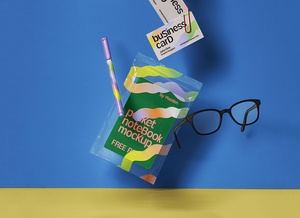
Reusable Coffee Cup Mockup

Each of us can make a significant environmental impact by keeping three simple items in our everyday bag: a reusable water bottle, a personal coffee cup, and a tote shopping bag. Take a moment to consider how much waste you could prevent by reusing these items instead of relying on disposable alternatives. These three products—single-use cups, plastic bags, and water bottles—are among the most common pollutants found in landfills.
Breaking Down the Problem:
- Plastic Water Bottles: While many PET (Type-1 plastic) bottles are technically recyclable, millions still end up in landfills or oceans due to improper disposal. By switching to a durable, refillable bottle, you reduce demand for single-use plastics.
- Disposable Coffee Cups: Most paper cups contain a thin plastic lining to prevent leaks, making them difficult and costly to recycle. Many end up incinerated or buried in landfills. A reusable coffee cup is a simple yet powerful alternative.
- Plastic Bags: Though some plastic bags can be recycled, the process consumes significant energy and resources. Tote bags, on the other hand, are sturdy, long-lasting, and eliminate the need for disposable options.
Small Changes, Big Impact:
By incorporating these reusable items into your daily routine, you actively reduce waste, conserve resources, and contribute to a cleaner planet. Sustainability starts with mindful choices—carry what you use, and reuse what you carry.
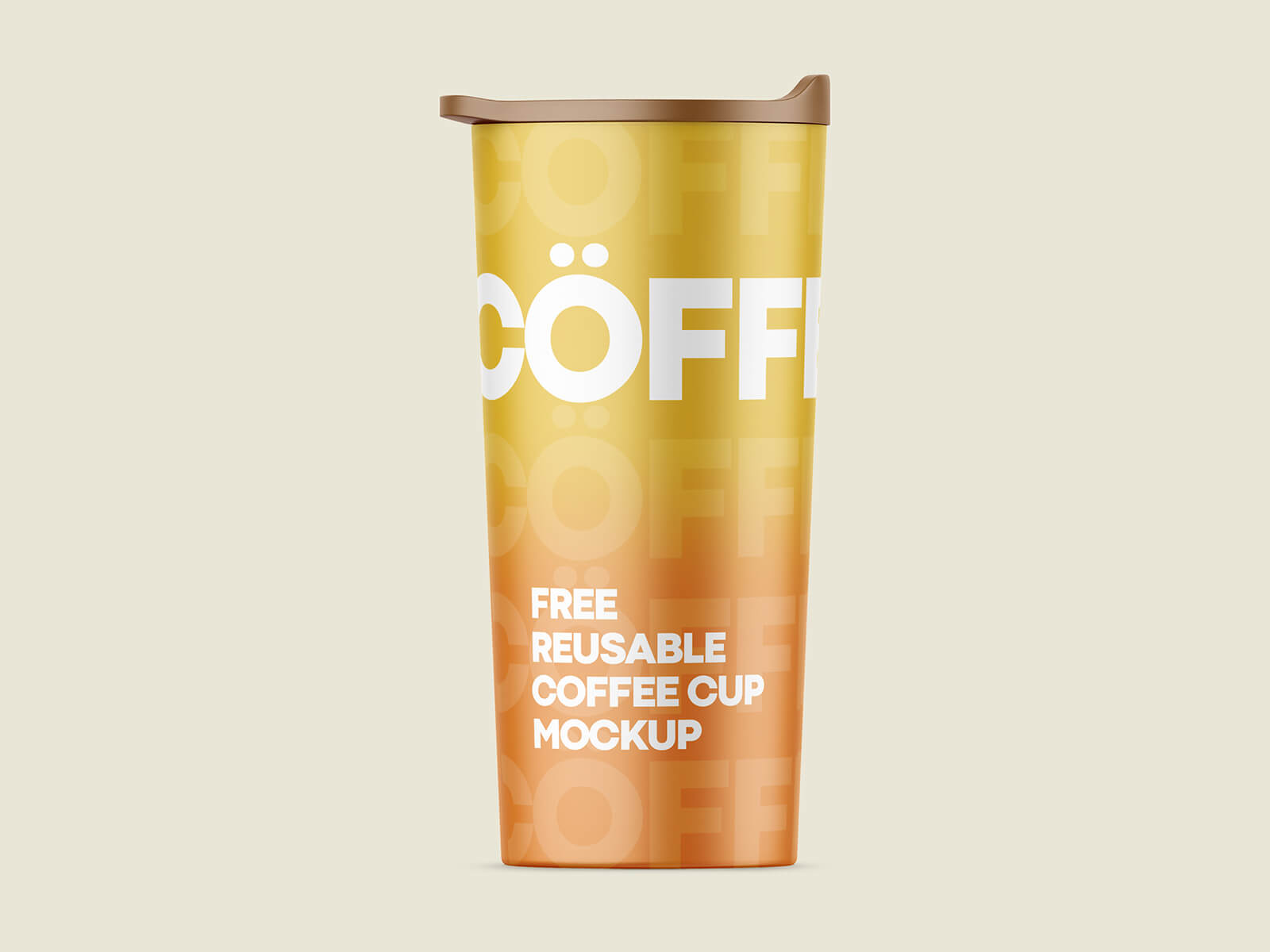
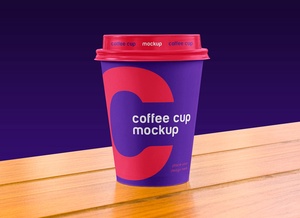
Free Reusable Coffee Cup Mockup (PSD)
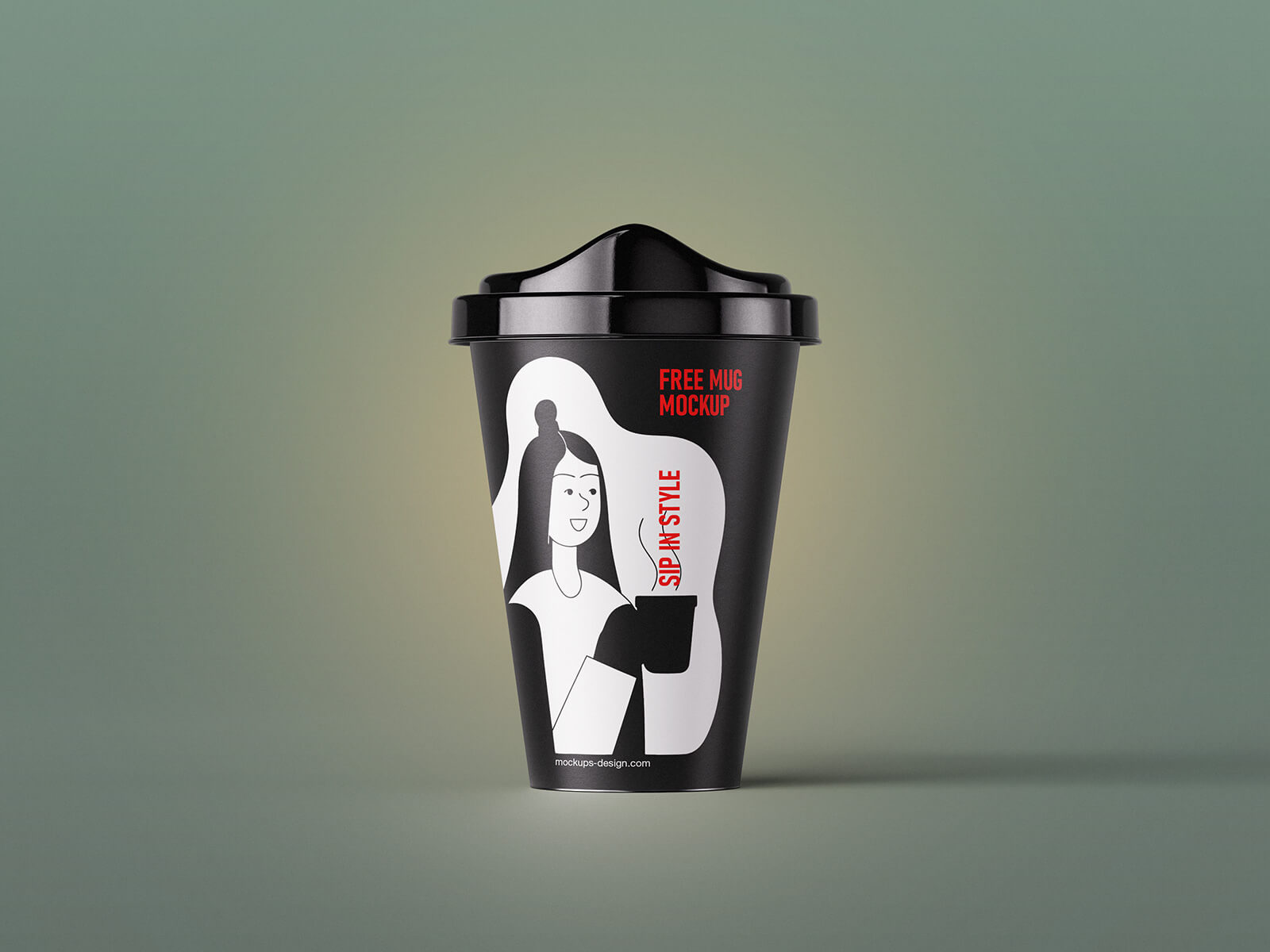
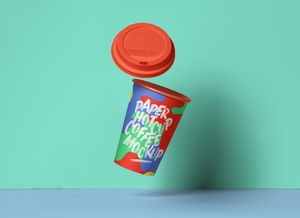
Today, we’re offering a high-quality mockup of a reusable coffee cup in PSD format, perfect for showcasing your designs realistically.
Features:
✔ Fully Layered PSD – Easily insert your artwork using smart objects.
✔ Customizable Background – Change colors to match your branding.
✔ High Resolution – 3000 x 2250 px for professional-quality output.
✔ Easy to Use – Compatible with Adobe Photoshop CS5 and newer versions.
✔ Free License – Available for both personal and commercial projects.
How to Use:
1. Open the mockup in Photoshop.
2. Place your design on the designated smart object layer.
3. Adjust as needed—the mockup handles shadows and reflections automatically.