Silver Foil On Paper Logo Mockup

Creating a compelling logo presentation involves several crucial steps to ensure that the final design meets the client's expectations and can be effectively utilized across various media. Here is a comprehensive list of mandatory steps to include in your logo presentation:
-
Client Briefing and Consultation:
Before you start designing, it's essential to gather a brief from the client or engage in direct conversation. Understand whether they are looking for a simple monogram or a more complex, unique symbol. Clients often have preconceived ideas, so discussing these will help you grasp their vision and requirements more accurately. -
Designing the Logo:
The primary step in the logo design process is to create a logo that is versatile enough for use on the web, in print, and on clothing. To ensure maximum adaptability, the logo should ideally be limited to no more than two colors. Additionally, it's wise to design a grayscale version of the logo, providing a single-color option that can be used in various contexts. -
Typography Selection:
Typography plays a critical role in logo design. Specify the typefaces that should be used in the logo to maintain consistency across all applications. Explain why these particular fonts were chosen and how they align with the brand's identity. -
Spacing and Placement Guidelines:
Provide examples of how the logo should be spaced when used on packaging or stationery. This includes showing the minimum clear space around the logo to prevent visual clutter and ensure the logo stands out effectively. -
Mockup Presentation:
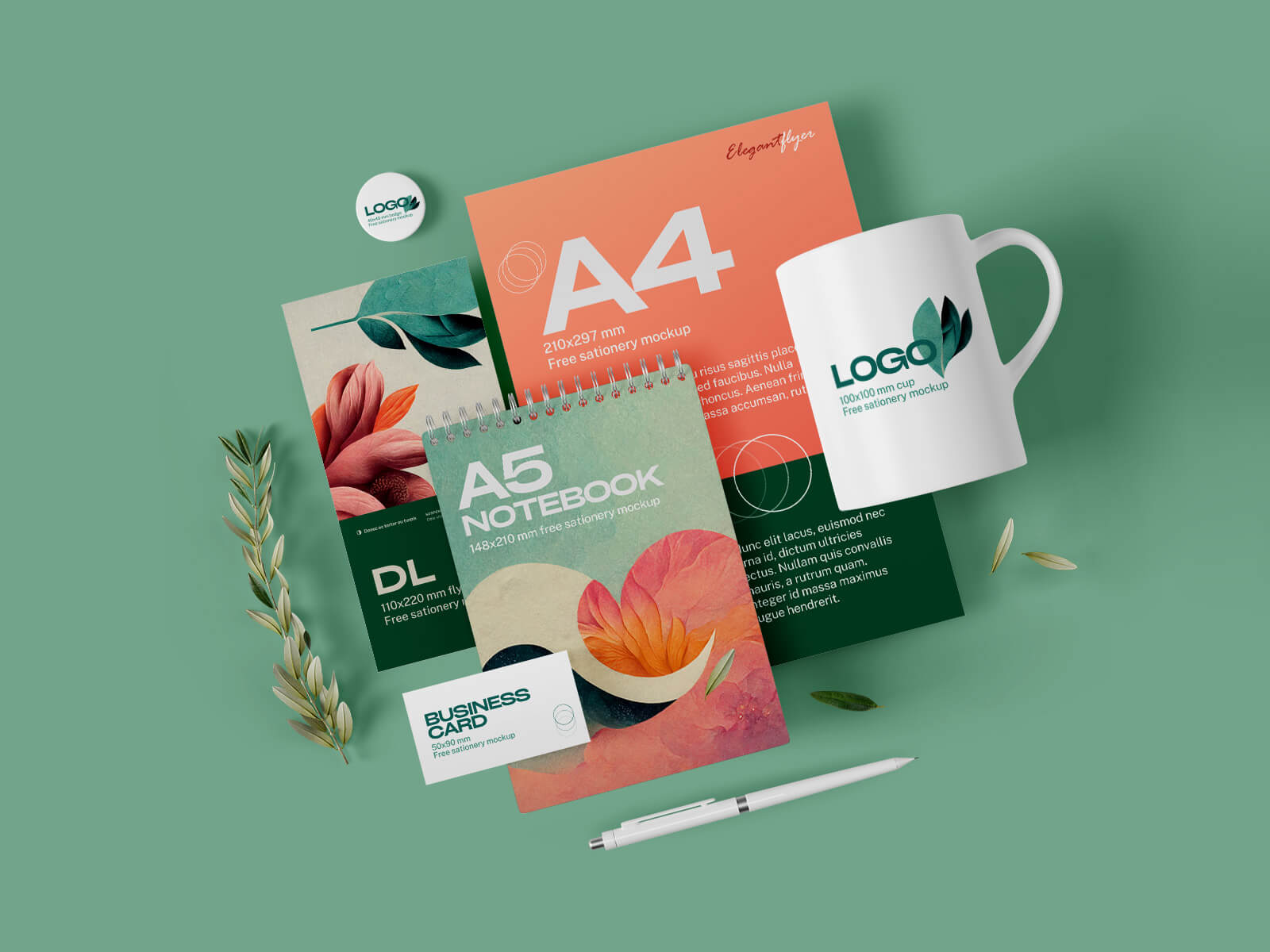
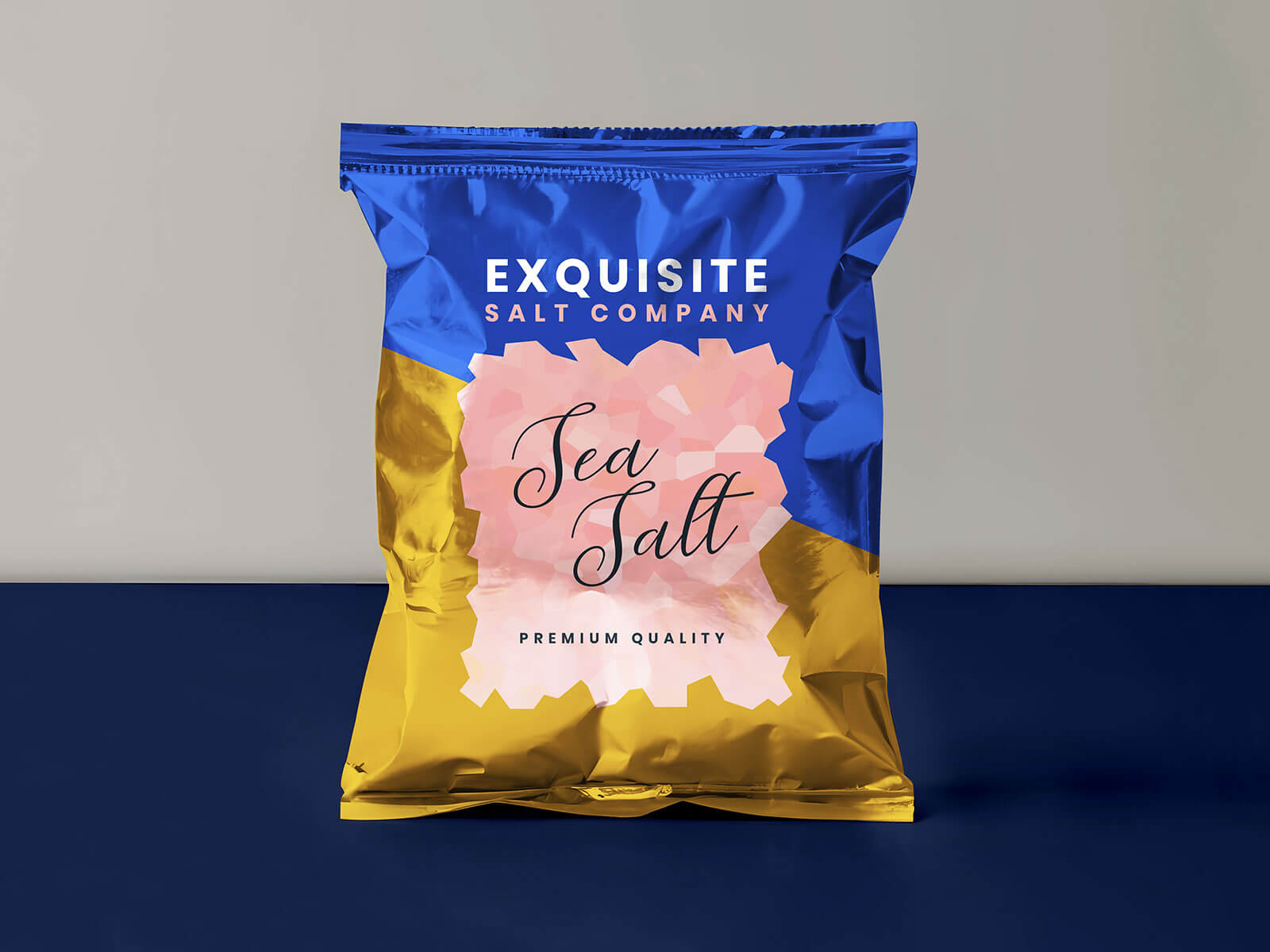
To give clients a clear idea of how the logo will look in real-world applications, use logo mockups. These can be particularly effective in showing how the logo appears on different materials and in various contexts. For instance, today we are offering a silver foil on paper logo mockup in PSD format. This mockup allows you to place your logo design on a smart object to achieve a realistic outcome.
Mockup Details:
- Available Format: Layered PSD with easy smart object insertion.
- License: Free for both personal and commercial use.
- Zip File Includes: Photoshop PSD file.
- Mockup Resolution: 2600 x 1950 pixels.
- Instructions:
- Place your transparent logo design on the smart object.
- Ensure you have Adobe Photoshop CS4 or a newer version to edit the mockup.
By following these steps, you can create a thorough and professional logo presentation that not only meets the client's needs but also showcases the logo's potential in various applications. This structured approach helps in making informed decisions about the logo's design and implementation, ensuring a successful outcome for both the designer and the client.