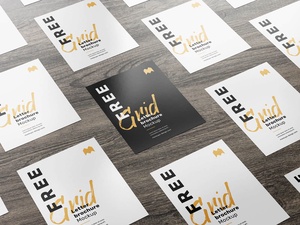
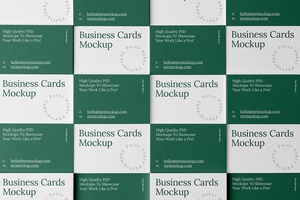
Top View Grid Business Card Mockup
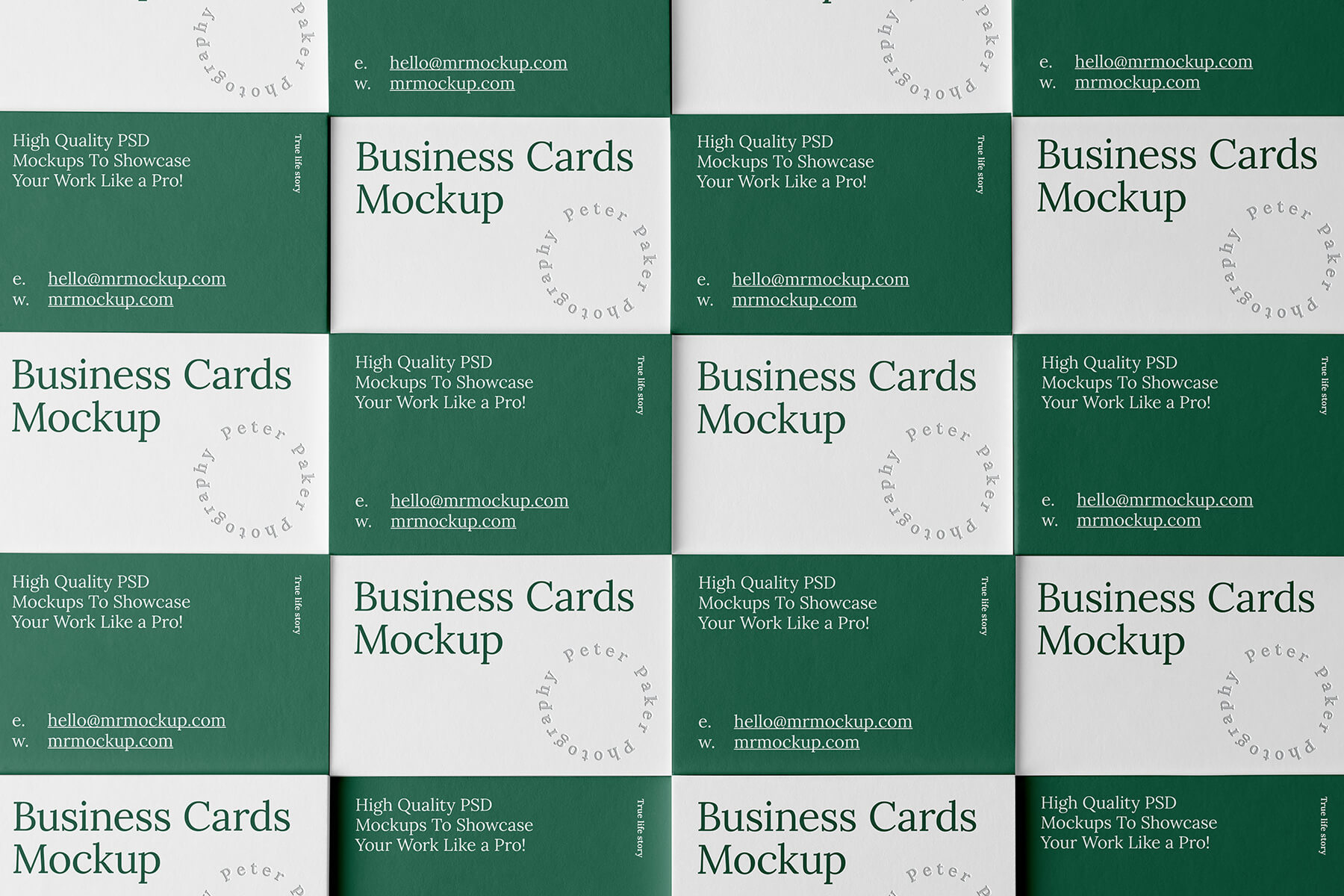
Grid-based layouts are the cornerstone of symmetrical designs, offering a clean, organized, and visually appealing framework. Their strength lies in the equal alignment of rows and columns, ensuring a consistent and harmonious structure. This inherent order makes grid layouts an invaluable tool for both web and print design.
Web Design:
In the dynamic world of web design, grids are a game-changer. They eliminate the need for cumbersome table-based layouts, cumbersome floats, and other methods like flexible boxes. By offering a structured foundation, grids simplify the process of creating responsive and adaptable web pages, allowing for efficient adjustments across different screen sizes.
Print Design:
Grid systems are equally crucial in print design, particularly for larger multi-page projects like company profiles that require frequent updates. A pre-defined grid provides designers with a blueprint, ensuring consistency across pages and updates. This not only saves time but also maintains a cohesive and professional look for the publication.
Visual Appeal and Professionalism:
Grid layouts go beyond mere functionality. Their inherent structure fosters a sense of visual order and harmony, contributing to a more aesthetically pleasing and impactful design. Compared to freestyle layouts, grids offer a more professional and polished aesthetic, enhancing the overall impression of the design.
A Powerful Design Tool: Business Card Mockup in PSD Format
This guide highlights the power of grids by showcasing a top view business card mockup in PSD format. This free resource allows designers to effortlessly visualize their business card designs in a realistic setting. Simply drag and drop your artwork onto the smart object layer and witness the magic of realistic rendering.
Download and Get Started:
The provided PSD file is free for both personal and commercial use. With its high resolution (6000 x 4000 px) and layered structure, it ensures seamless integration with Adobe Photoshop CS5+.
Follow these simple instructions:
- Place your business card design: Utilize the smart object layer to seamlessly insert your artwork.
- Enjoy the realistic outcome: The mockup automatically renders your design in a realistic setting, showcasing its potential in a professional context.
Embrace the power of grids and elevate your design process to new heights!