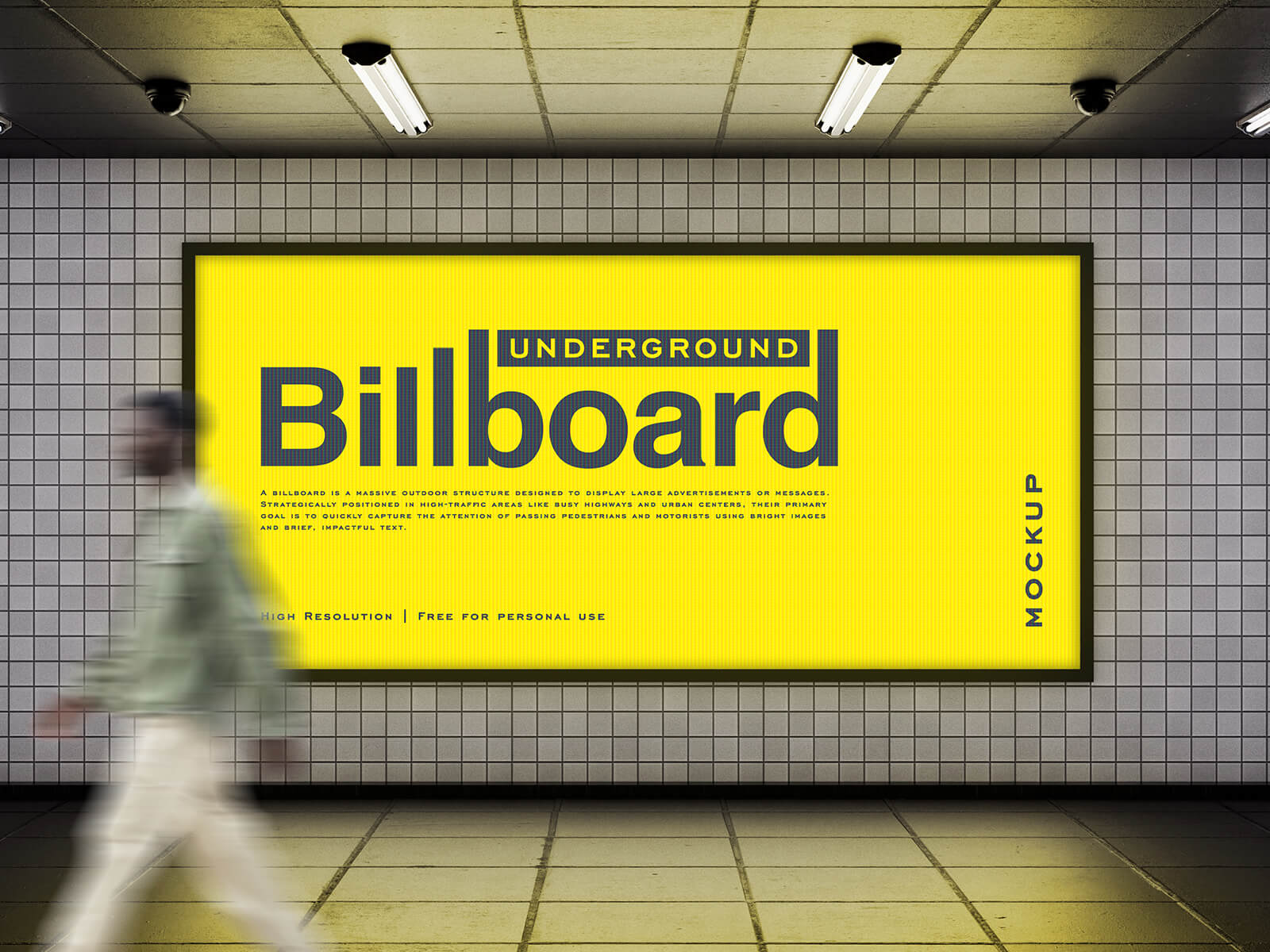
Underground Mounted Poster Mockup

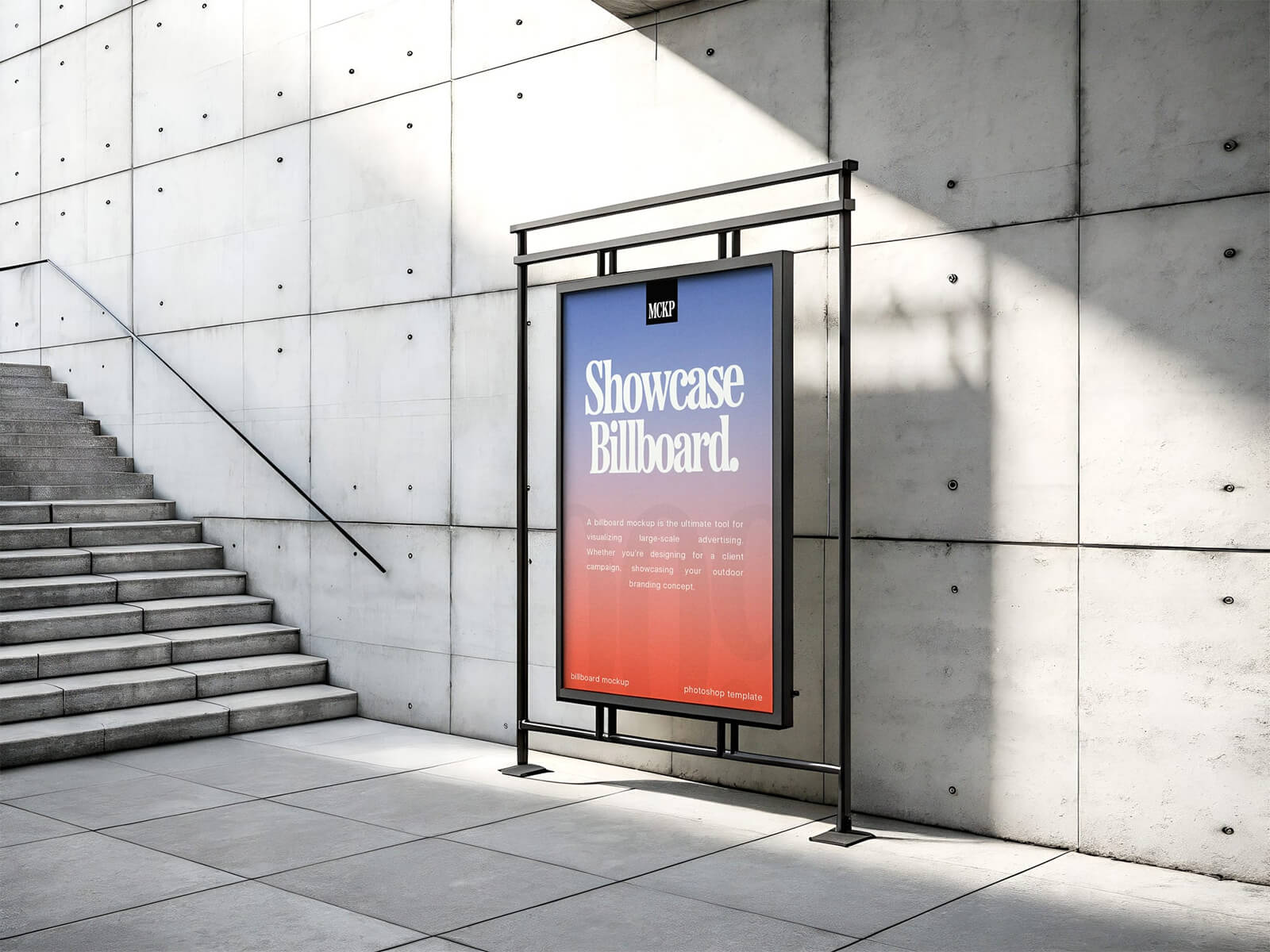
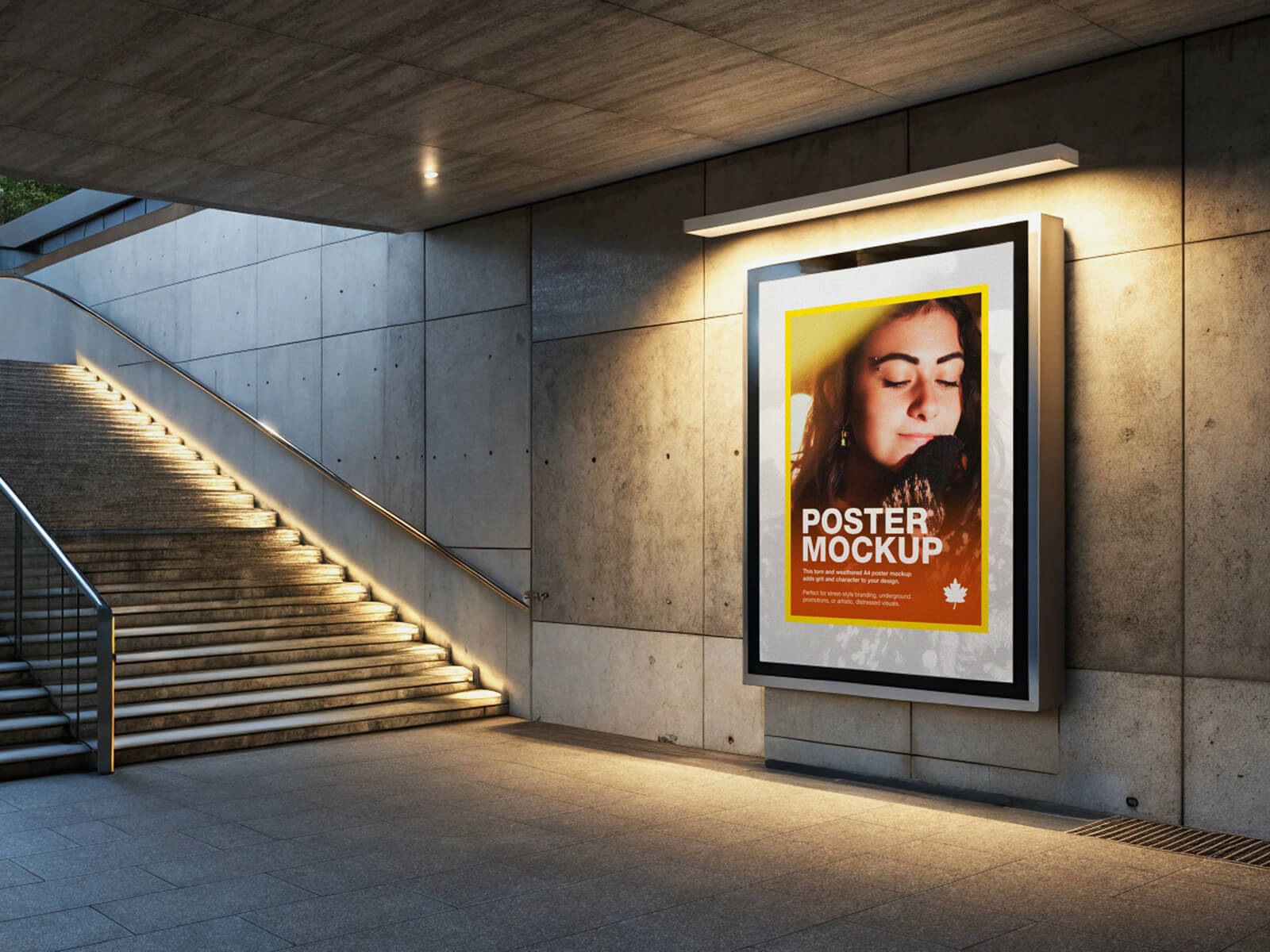
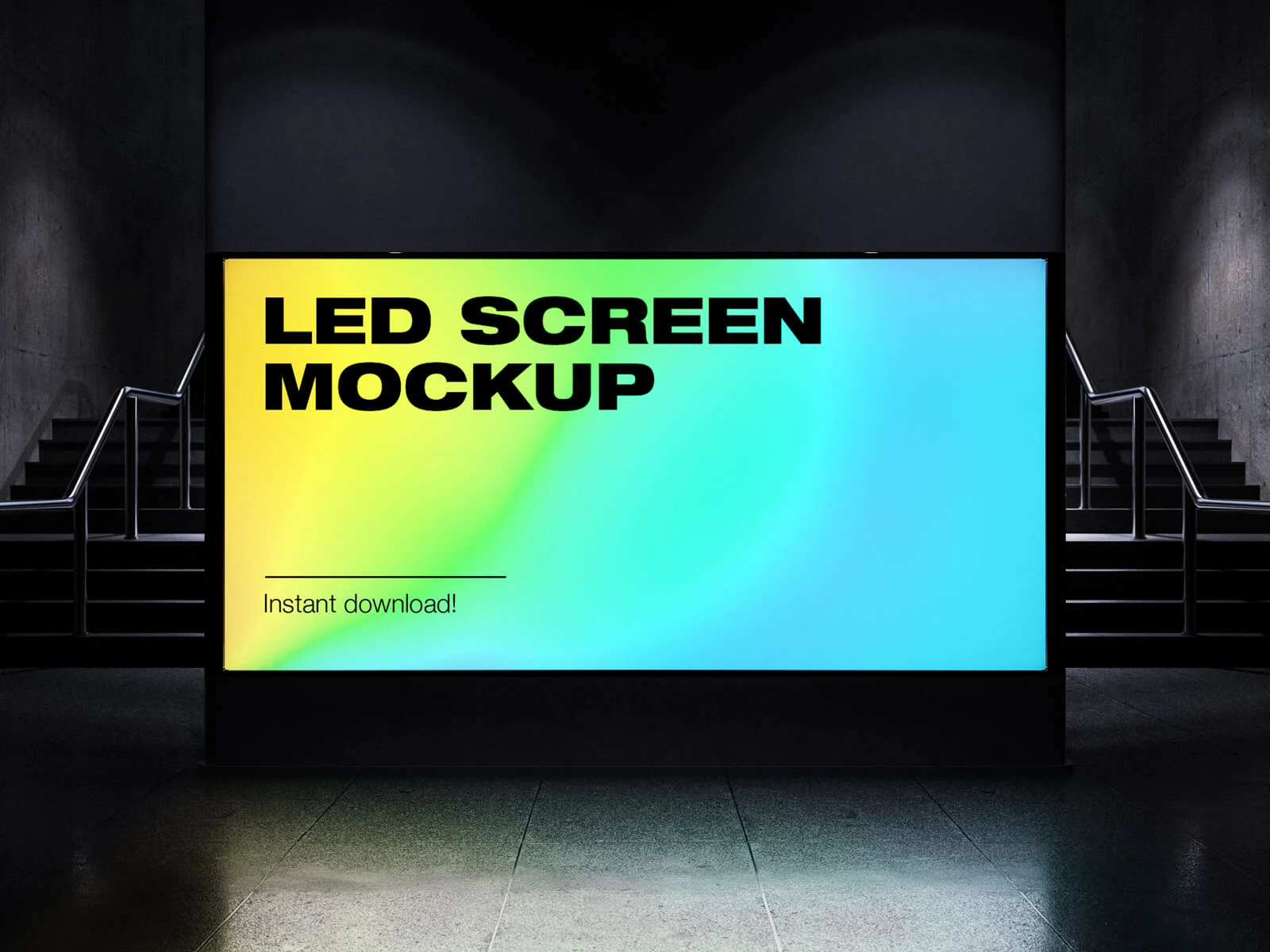
Urban road infrastructure employs three primary designs to facilitate efficient traffic flow and pedestrian safety. Firstly, Underpasses serve as subterranean pathways enabling pedestrians to safely traverse busy roadways or railways. Typically accessed via stairs, deeper underpasses incorporate elevators or escalators for accessibility. These underground spaces are often bustling with activity, hosting numerous small shops and vendors offering snacks and refreshments. Furthermore, underpasses frequently serve as canvases for outdoor advertising, adorned with posters, billboards, and backlit displays (mupis) strategically placed along the walkways to capture the attention of passersby.
Secondly, Overpasses offer elevated solutions for road networks. These can manifest as roads built above existing roadways to create grade separation and improve traffic flow. Alternatively, overpass bridges provide a dedicated pedestrian route, enabling people to cross from one side of a busy road to the other without interfering with vehicular traffic. These are commonly seen in various urban environments, including the UK.
The third key type is the Grade-Separated Intersection. Ubiquitous in modern cities, these intersections are meticulously engineered to separate traffic streams, guiding vehicles seamlessly towards their intended destinations and minimizing the risk of collisions and congestion. Different levels and ramps are employed to achieve this separation.
Now, consider the presentation of advertising within these urban landscapes. We are pleased to share a photorealistic Underground Mounted Poster Mockup in PSD format. This resource allows designers to visualize their artwork in a realistic setting. Simply place your design within the smart object layer to create a compelling presentation.
Mockup Details:
- Format: Layered PSD with easy smart object insertion
- License: Free for personal and commercial use
- File Includes: Photoshop PSD File
- Mockup Resolution: 3000 x 2000 px
- Artwork Resolution: 948 × 1331 px
Instructions:
- Open the PSD file in Adobe Photoshop CS5 or later.
- Double-click on the smart object layer.
- Place your design within the smart object and save the file.
- The mockup will automatically update with your artwork.
Download the Poster Mockup and showcase your designs with professional impact.