With Bricks MacBook Pro Mockup

Switching from a PC to a Mac involves several adjustments, both in terms of hardware familiarity and software nuances. If you're making the switch, here are some useful tips to ensure a smooth transition:
-
Data Transfer: Before anything else, ensure your data is transferred safely. Format an external hard disk with FAT32 or exFAT, as both are compatible with macOS. If your drive is formatted with NTFS, macOS will only read the data but won't be able to write to it without third-party software. In case you need to convert an NTFS drive to a format compatible with macOS, you can use a freeware utility called “AOMEI” to convert the file system without losing data.
-
Mastering Mac Controls: Familiarize yourself with the ‘Control’ key, akin to the right-click function on a PC. On a Mac, you'll often use
Control + Clickto access contextual menus that give you options related to the selected item. -
System Customization: Customize your Mac experience by navigating to System Settings via the Apple menu. Here, you can adjust various settings to suit your preferences.
-
Function Keys and Shortcuts: While the function keys on a Mac keyboard may look familiar, they perform additional functions beyond their typical F1-F12 roles, such as controlling volume, brightness, and media playback. Get accustomed to these to enhance productivity.
-
Screen Capturing: To take screenshots on a Mac, use the shortcut
Command + Shift + 5. This opens a small panel that lets you capture the entire screen, a selected window, or a portion of the screen.
As you get used to macOS, you'll find it intuitive and user-friendly, especially when you explore its unique features and seamless integration with other Apple devices.
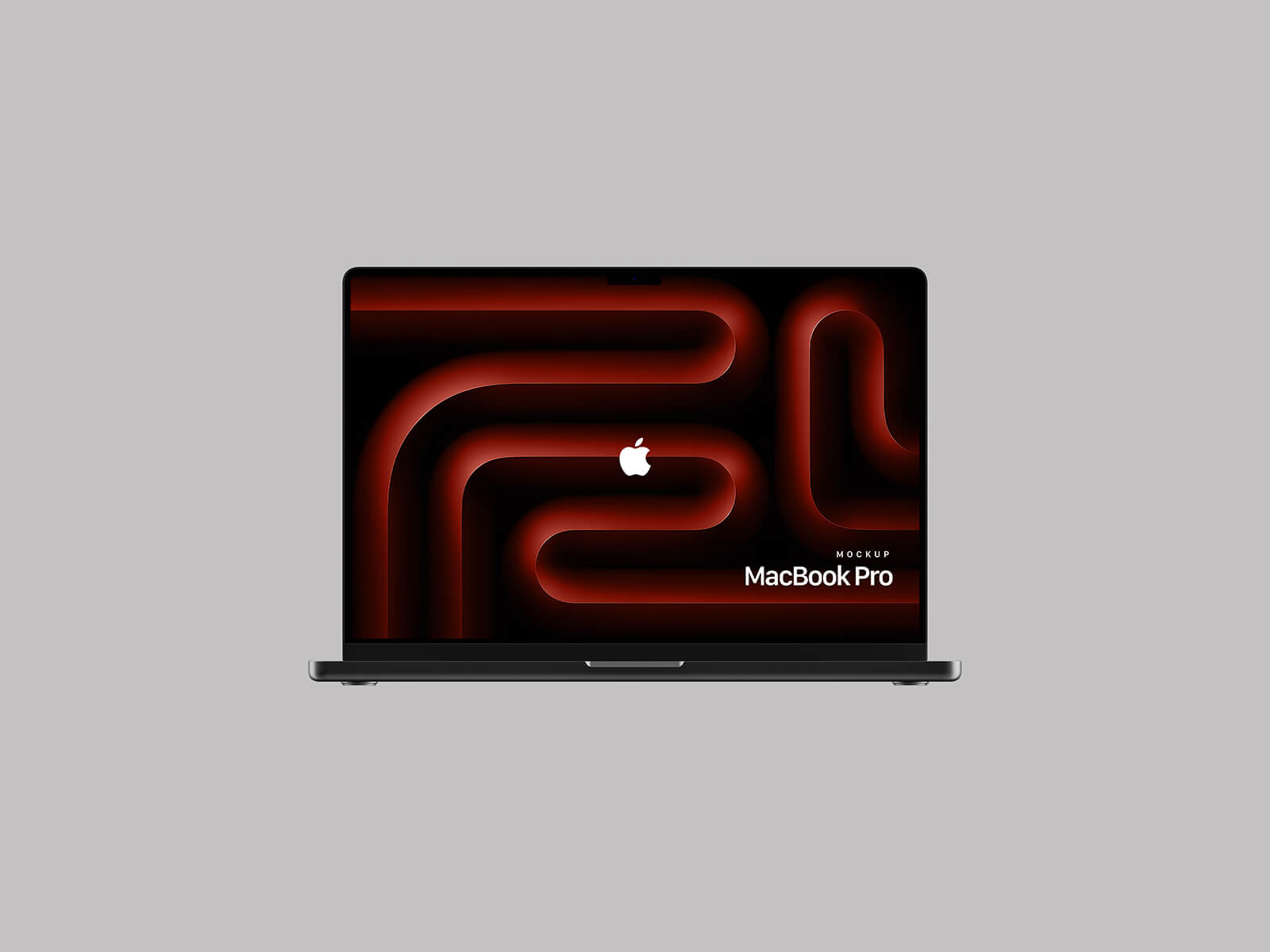
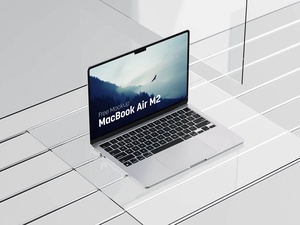
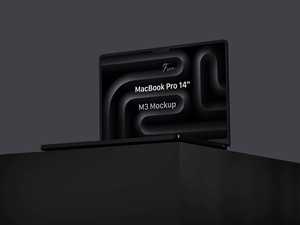
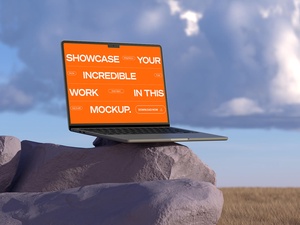
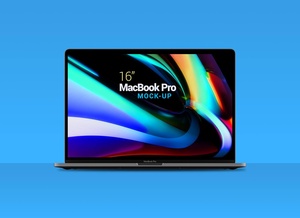
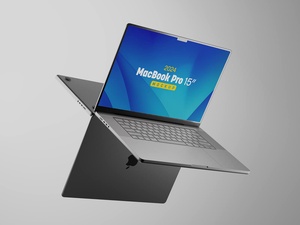
To help designers and Mac enthusiasts showcase their applications or websites, we are sharing a MacBook Pro mockup in PSD format. This mockup is ideal for presenting your digital designs in a realistic setting.
Mockup Features:
- Available Format: Layered PSD with easy smart object insertion.
- License: Free for personal and commercial use.
- Included in Zip File: One Photoshop PSD file.
- Resolution: 4500 x 3000 px.
Instructions for Use:
- Open the PSD file in Adobe Photoshop (CS5 or newer).
- Locate the smart object layer and insert your artwork.
- Adjust as necessary to ensure your design fits well within the frame of the MacBook Pro screen.
This mockup is an excellent tool for anyone looking to display their designs on a modern and professional digital platform, providing a realistic preview of how the work will appear on a MacBook Pro. Download the MacBook Pro Mockup today to enhance your presentations and marketing materials.