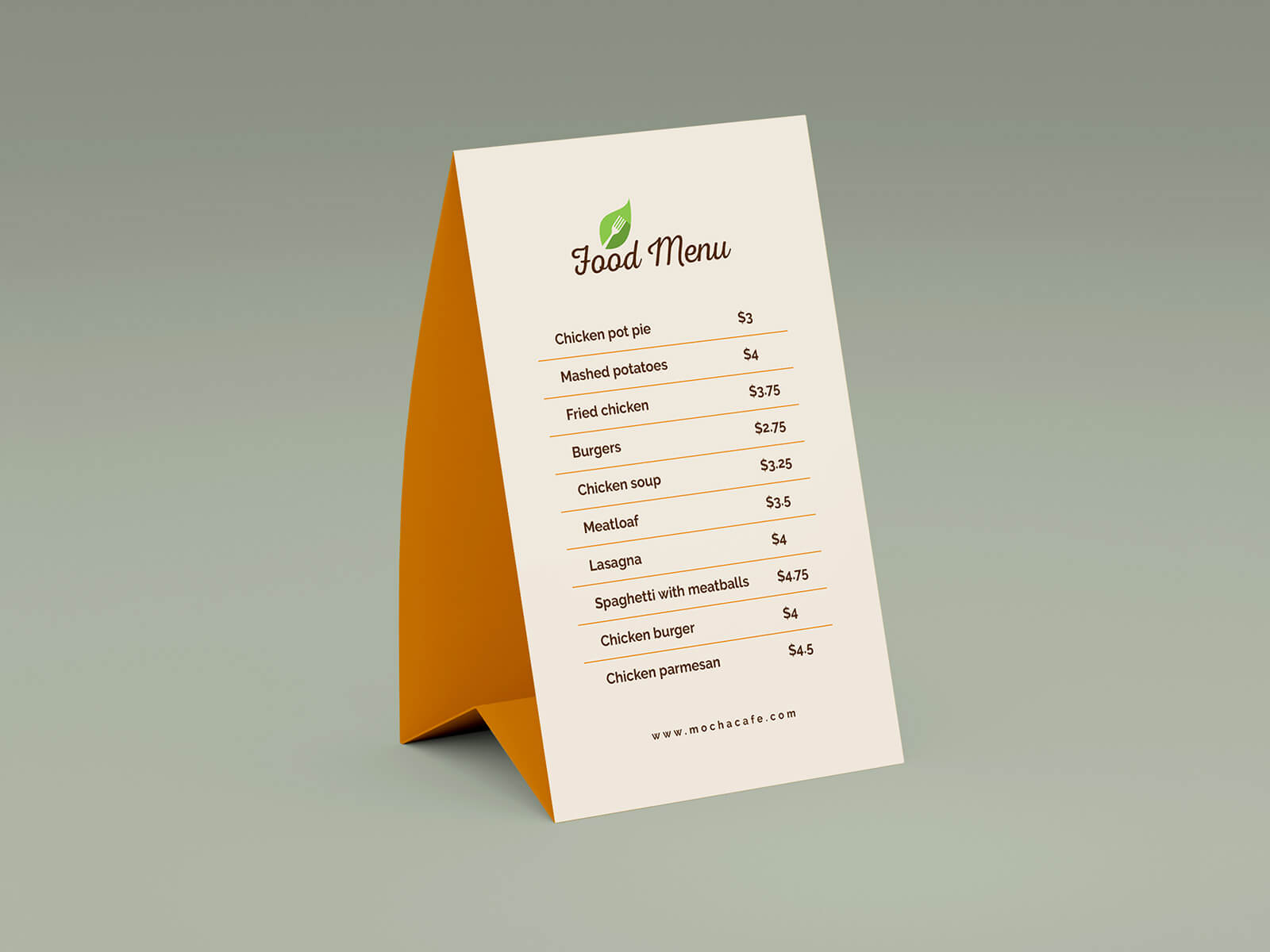
Coffee Cup With Table Menu Mockup

We recently visited a brand-new McDonald's and encountered a rather tech-forward ordering process. Opting for the drive-through, we were initially greeted by a sign instructing us to scan a code. After attempting to communicate with the order booth to no avail, we realized we needed to actually place our order manually. We were then directed to a second station to finally place our order, and subsequently to a third for pickup. This QR code-centric system was completely new to us.
It seems McDonald's is moving toward a system where you can pre-order and pay through their local app, then simply scan a QR code at the drive-through so they can begin preparing your order while you're in line. So, if a new McDonald's is opening near you, be prepared to potentially utilize their app for a smoother ordering experience!
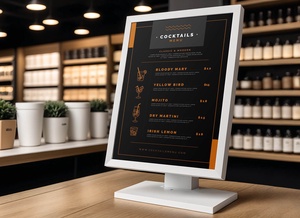
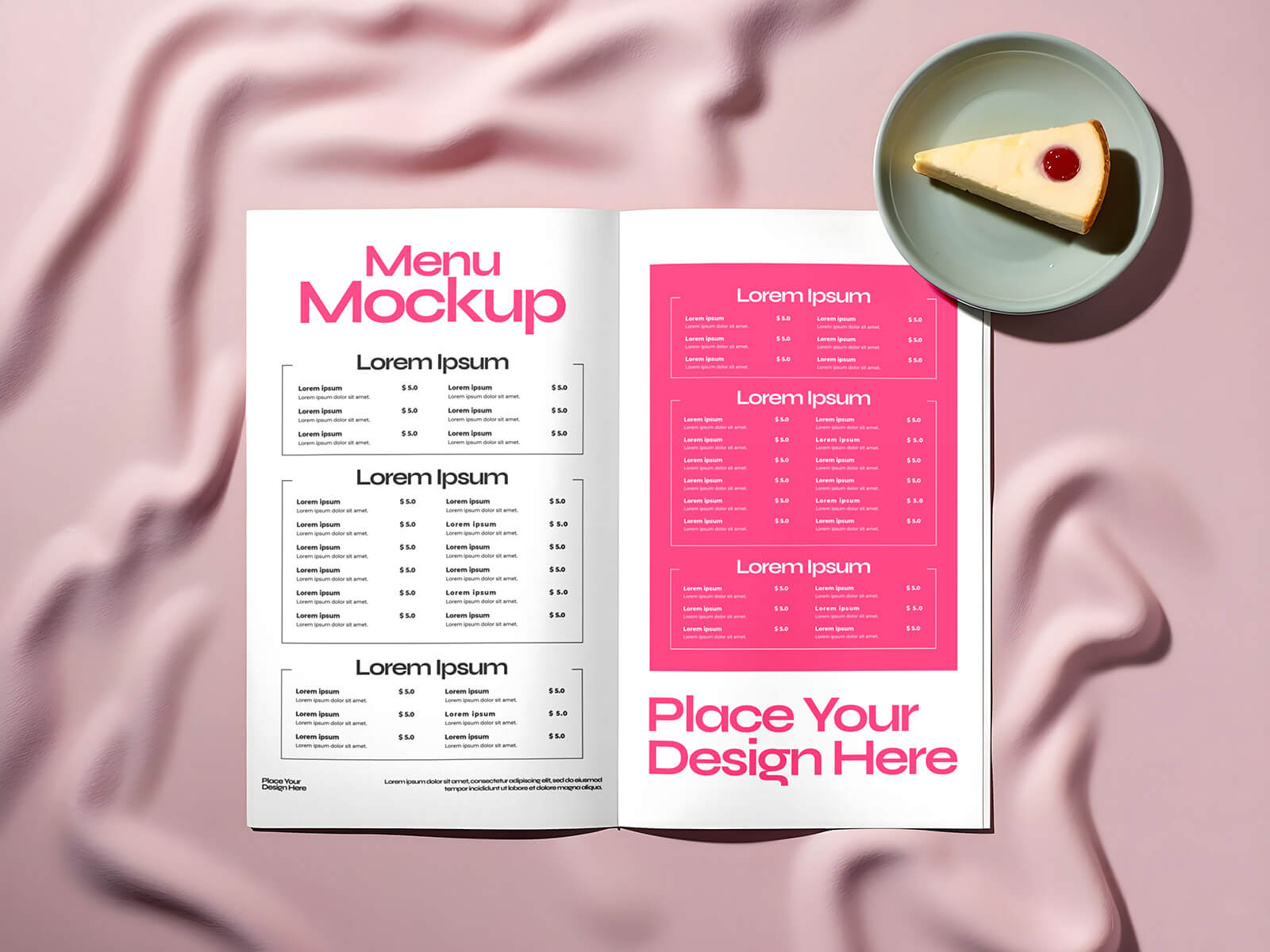
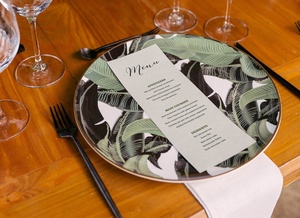
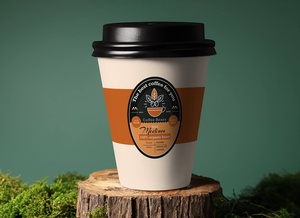
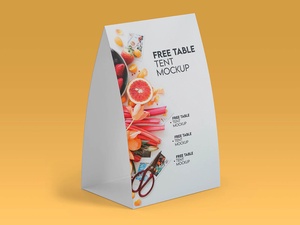
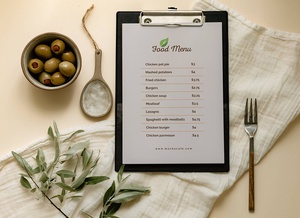
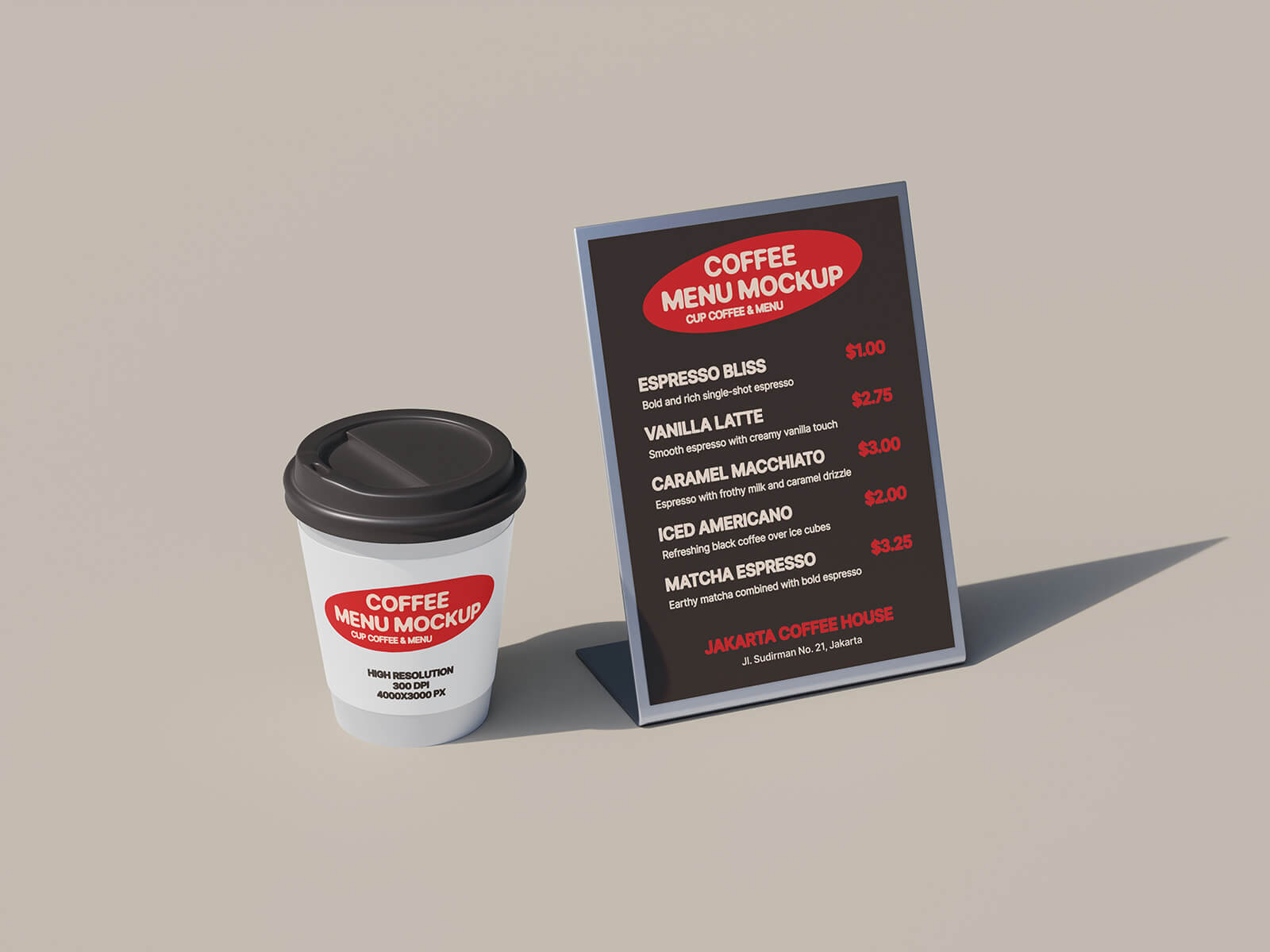
On a related note, today we're sharing a free resource: a high-resolution coffee cup and table menu mockup in PSD format. This mockup allows you to easily showcase your coffee shop branding, menu designs, or promotional artwork. Simply place your design within the smart object layer to achieve a realistic presentation. The background color is also fully customizable.
Description:
- Available Format: Layered PSD with Smart Object Insertion
- License: Free for Personal and Commercial Use
- Zip File Includes: Coffee Cup Mockup, Table Menu Mockup
- Mockup Resolution: 4000 x 3000 px
Instructions:
- Open the PSD file in Adobe Photoshop CS5 or later.
- Double-click the smart object layer.
- Place your design within the smart object.
- Save the smart object.
Download Cup & Menu Mockup