Floating MacBook Pro Mockup
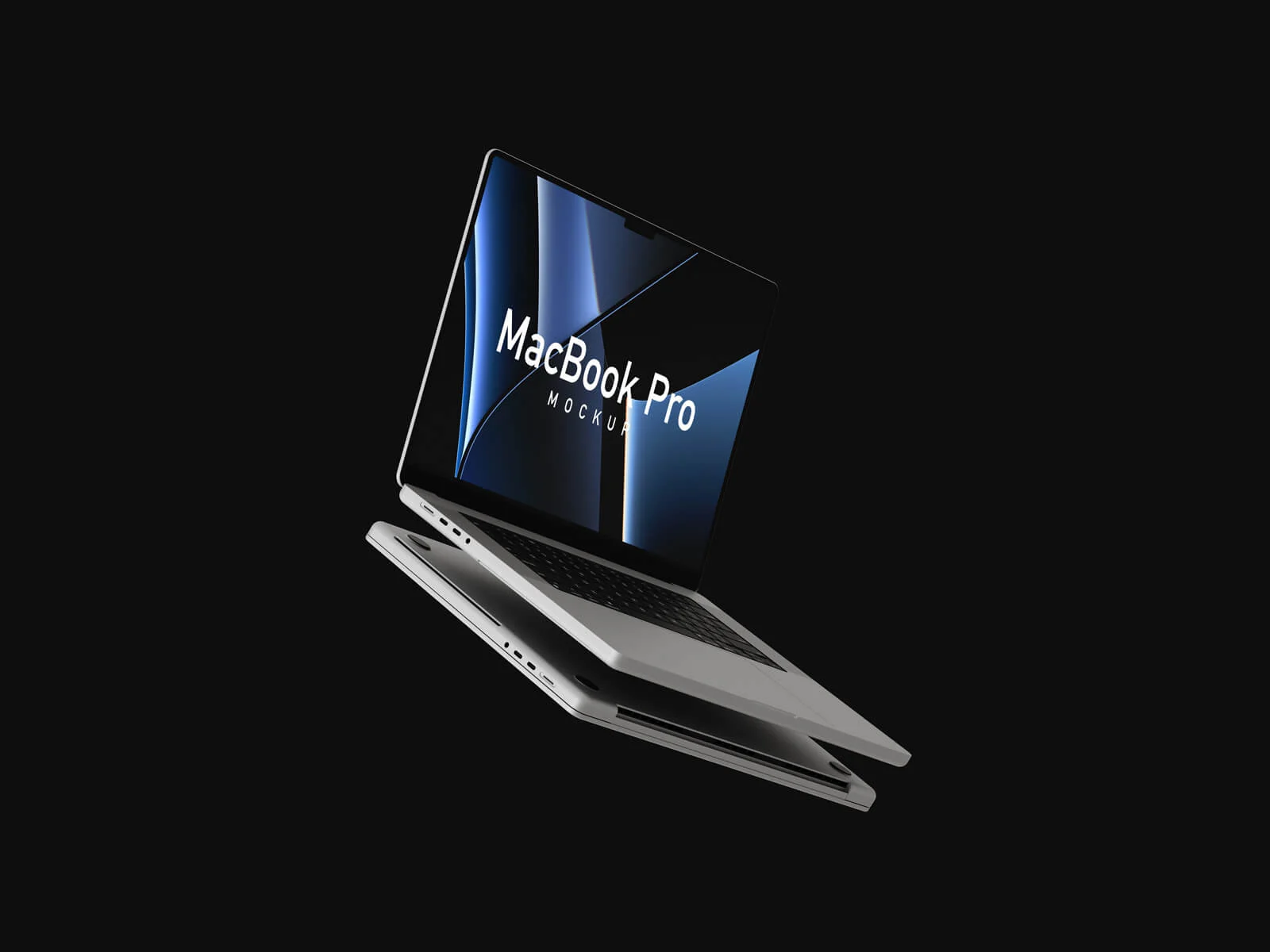
The MacBook Pro is far from a universal necessity; it is a specialized, high-performance powerhouse designed for those who demand the absolute peak of computing capability. While a standard laptop suffices for the average user, professionals whose entire livelihood revolves around digital creation require something more robust. If your career is built on a foundation of code, pixels, or 3D models, then the M5 MacBook Pro represents the ultimate investment in your craft.
This machine is engineered to eliminate technical bottlenecks. For designers, software developers, AutoCAD specialists, video editors, and 3D artists, time is the most valuable currency. The M5 architecture is capable of slashing rendering and processing times by half, effectively doubling your output. Beyond mere speed, a high-end machine offers a seamless, frictionless user experience where software works exactly as intended without lag or crashes. By accelerating your workflow, you aren't just meeting deadlines more efficiently—you are reclaiming your personal time. Instead of spending hours staring at a progress bar or troubleshooting hardware limitations, you can focus on the creative process and enjoy the freedom that comes with a truly optimized workspace.
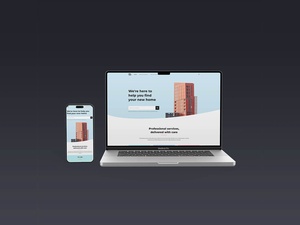
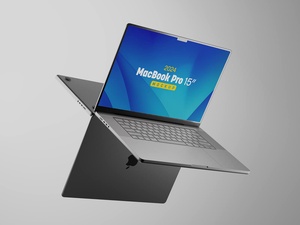
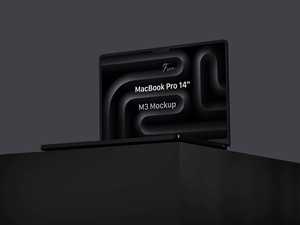
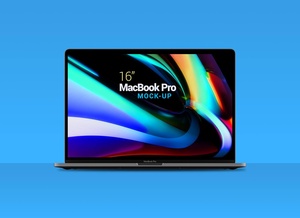
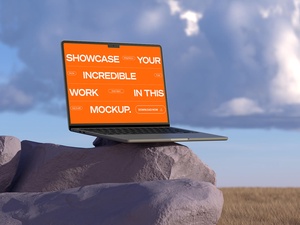
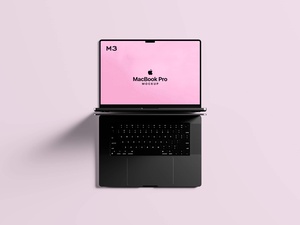
To help you showcase your own professional projects with the same level of sophistication, we are pleased to provide a premium, floating MacBook Pro mockup in PSD format. This resource allows you to present your web designs or application interfaces in a sleek, hyper-realistic environment. With a customizable background and easy-to-use smart objects, you can achieve a high-end aesthetic in seconds.
Mockup Features & Technical Specifications:
- Available Format: Layered PSD with smart object insertion for a seamless workflow.
- License: Completely free for both personal and commercial projects.
- File Contents: One high-quality Photoshop PSD mockup file.
- Canvas Resolution: 6000 x 4000 px.
- Mockup Asset Resolution: 4908 x 3068 px.
- Customization: Fully adjustable background colors to match your brand identity.
Instructions:
- Insert Artwork: Open the PSD file, double-click the smart object layer, and place your web or UI design inside. Save the smart layer to see it instantly wrap onto the MacBook screen.
- Software Requirements: This file requires Adobe Photoshop CS5 or higher.