iMac, MacBook & iPad Pro Mockup
Website loading speed plays a crucial role in search engine rankings and overall user experience. Professional web designers and optimization specialists invest significant effort in crafting streamlined layouts that align with specific website requirements while incorporating only essential elements. This strategic approach ensures both individual pages and entire websites achieve optimal loading performance.
The principle is straightforward: reducing the number of scripts and minimizing inbound file requests directly translates to faster load times. For those serious about their website's performance, investing in a custom design solution is the recommended path forward. Pre-made themes and templates, while convenient, are developed with broad audiences in mind and typically bundle numerous scripts and functionalities that may be irrelevant to your specific needs. For instance, a theme designed for e-commerce platforms will load WooCommerce-related files regardless of whether you're actually running an online store, resulting in unnecessary bloat and slower page rendering.
Custom-built themes, in contrast, feature minimal scripting and lean code architecture—precisely what skilled web designers and developers strive to deliver. By eliminating redundant features and focusing solely on required functionality, custom solutions provide superior performance and efficiency.
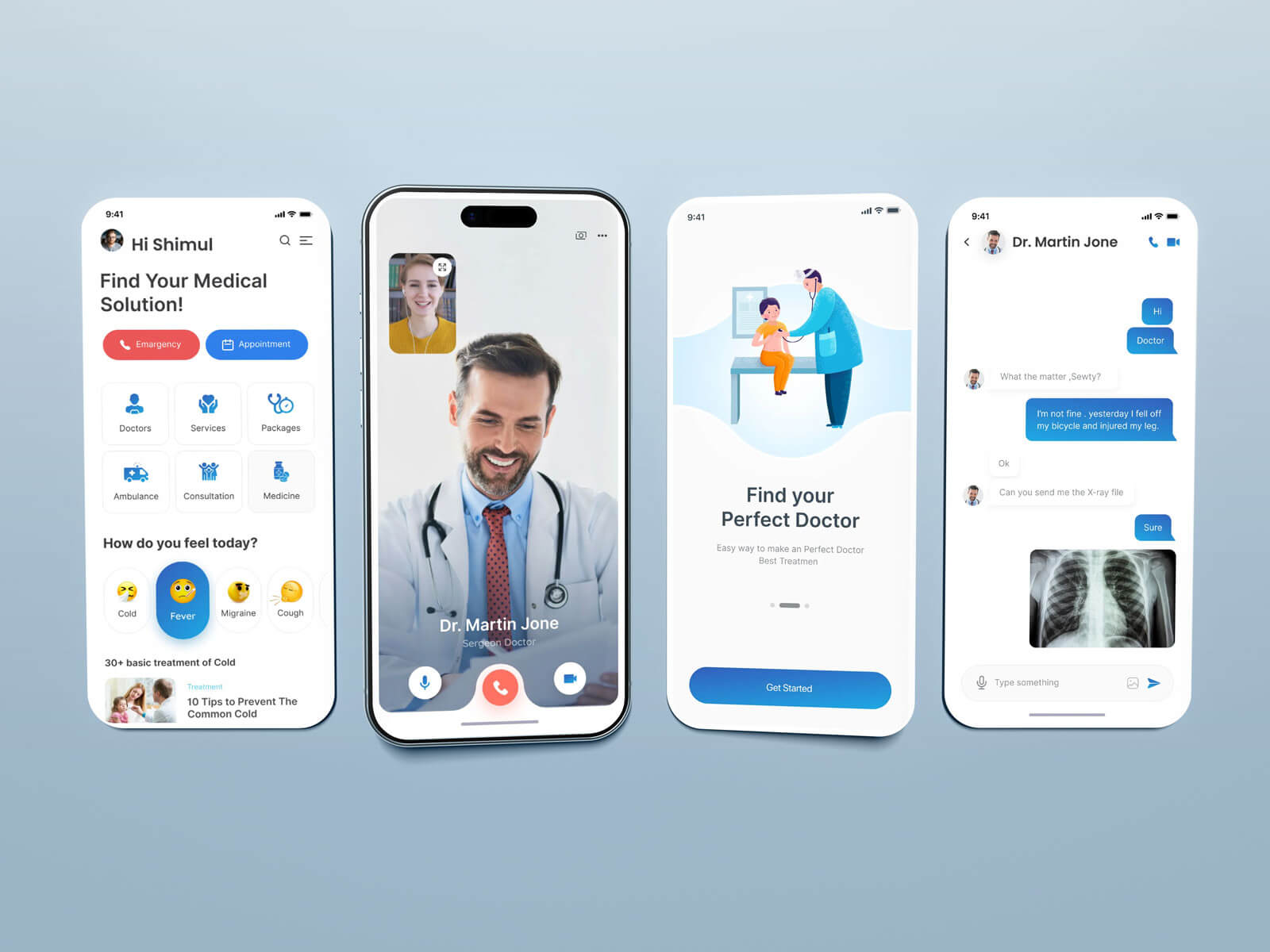
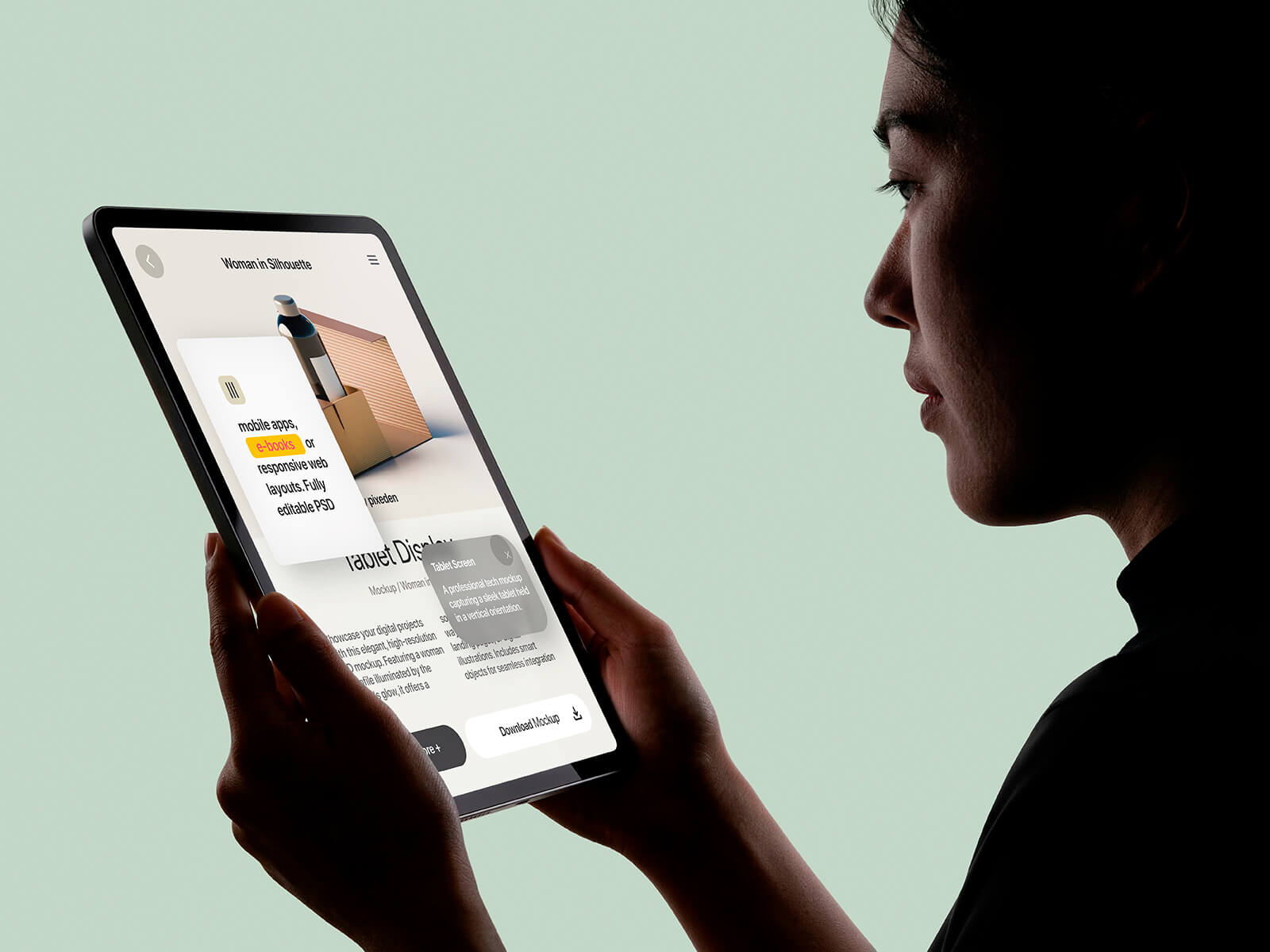
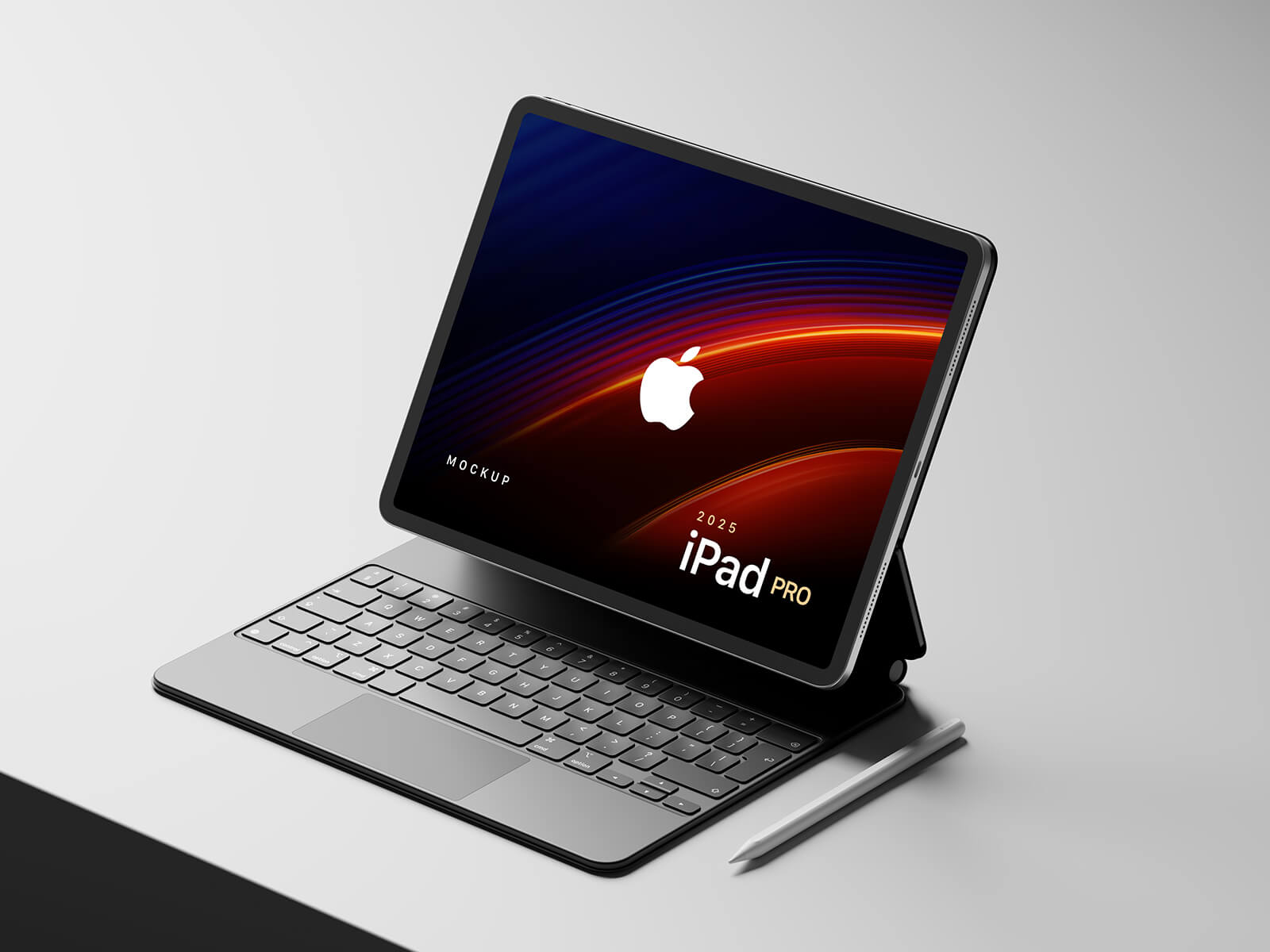
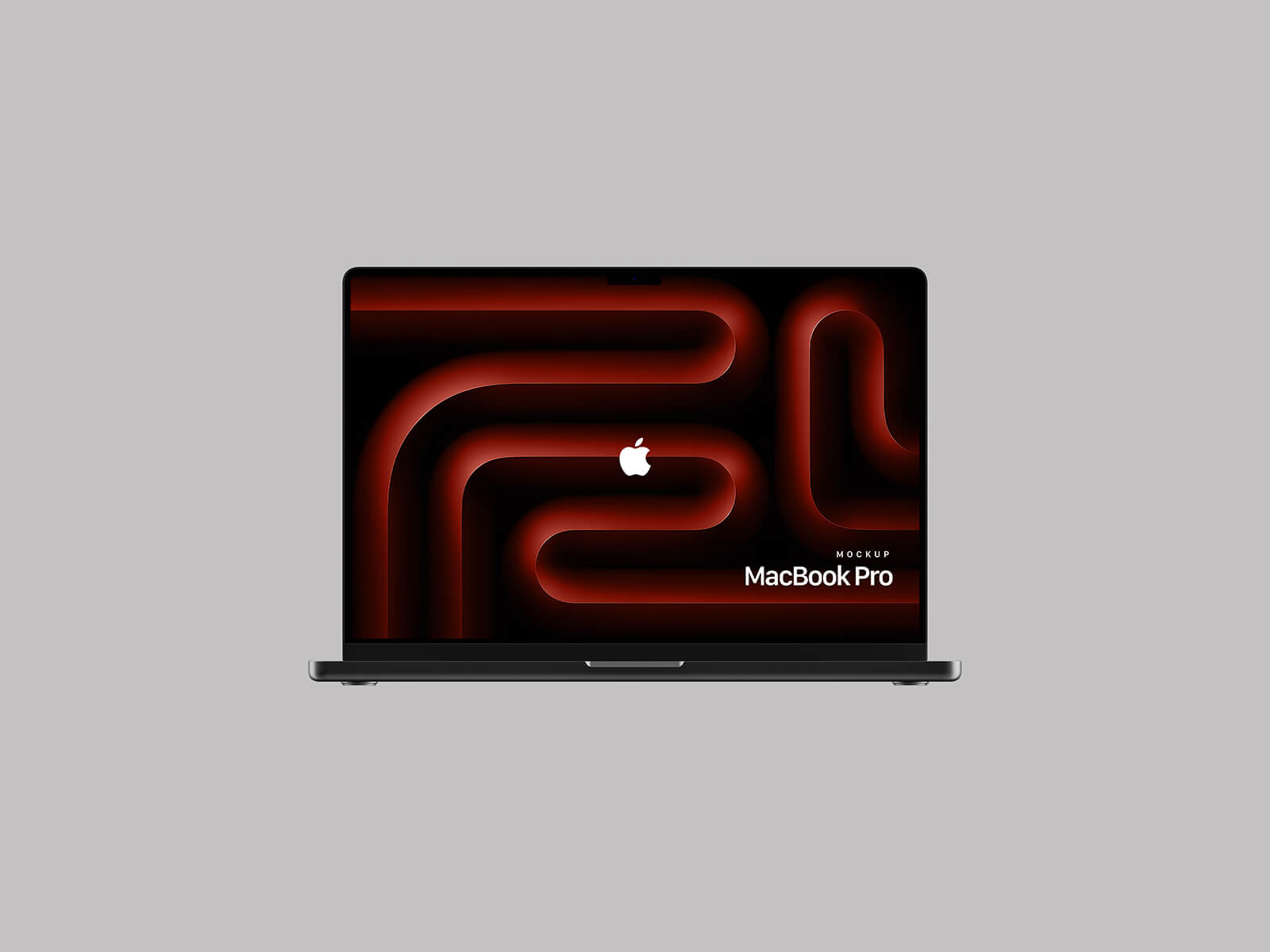
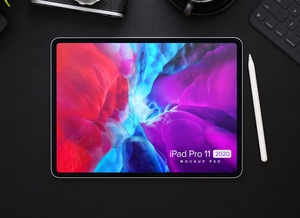
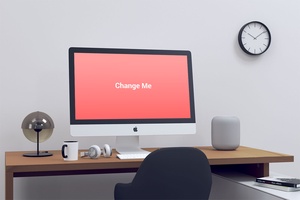
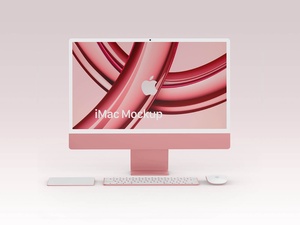
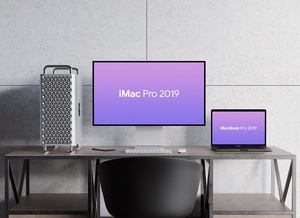
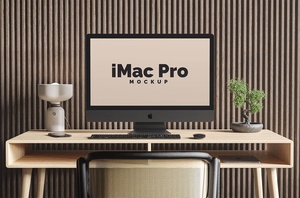
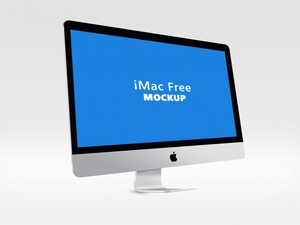
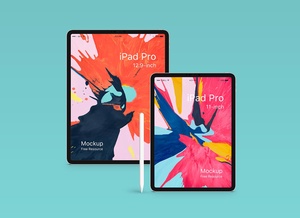
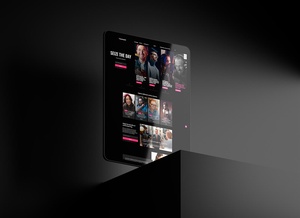
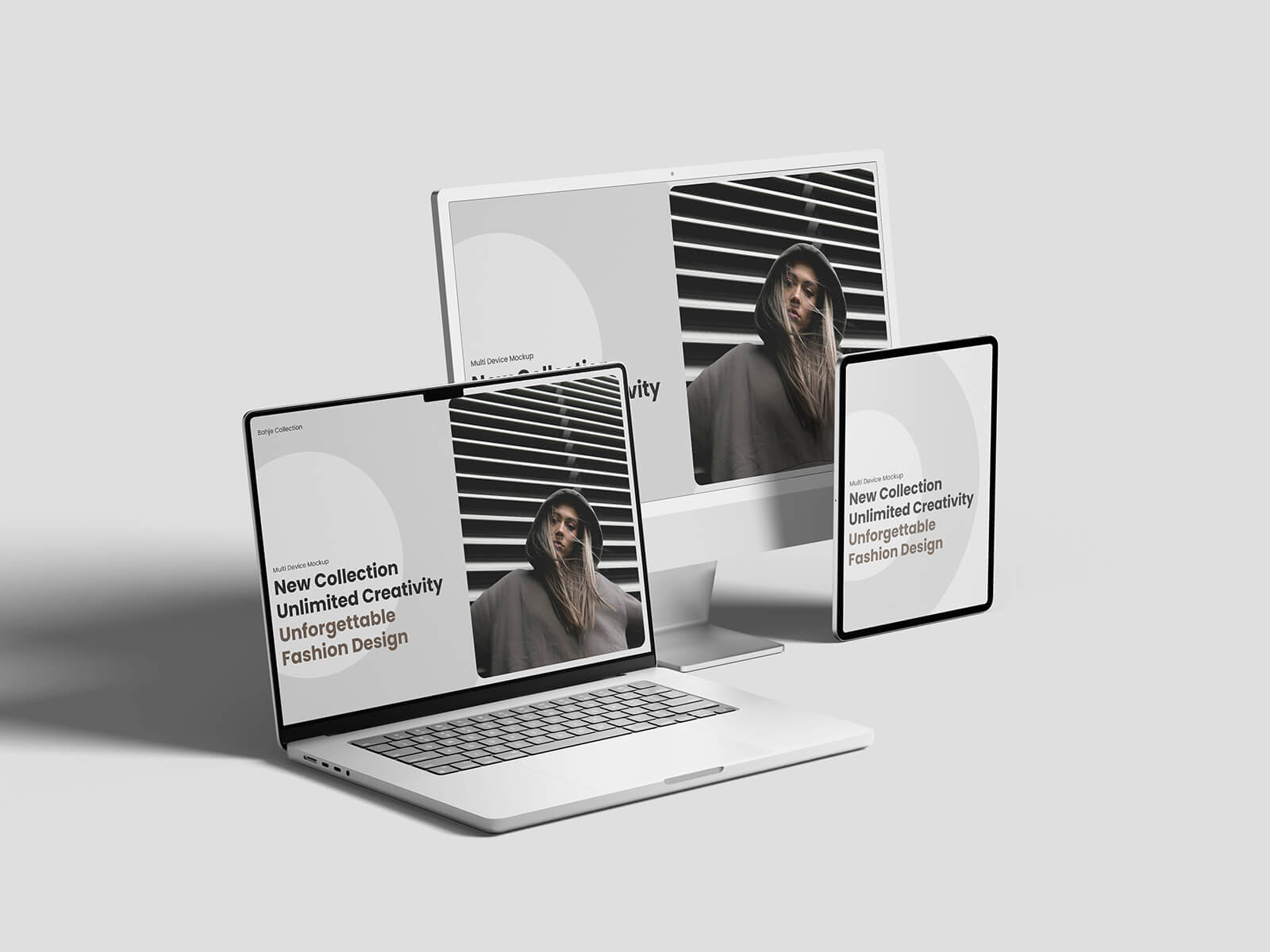
This multi-device composition mockup showcases your web designs across iMac, MacBook, and iPad Pro displays simultaneously, presented in a high-quality PSD format. The smart object functionality allows for quick and effortless insertion of your artwork, enabling you to create professional responsive website presentations within minutes.
The mockup file comes as a layered Photoshop document with smart object insertion capability, free for both personal and commercial projects. The high-resolution file measures 4500 x 3000 pixels, providing exceptional clarity for presentations and portfolio displays. The package includes the Photoshop PSD file, and requires Adobe Photoshop CS5 or later versions to function properly. Simply place your web design screenshots onto the designated smart objects to generate a polished, multi-device mockup presentation.